The store will not work correctly when cookies are disabled.
Our website requires cookies to work correctly. Without cookies, we cannot track your shopping cart or receive your orders. We also use traffic log cookies to identify which pages are being used. This helps us analyze data about web page traffic and improve our website by better tailoring it to customer needs. We only use this information for statistical analysis purposes and then the data is removed from the system.
A cookie in no way gives us access to your computer or any information about you, other than the data you choose to share with us.
Keep learning going remotely, even when schools are closed!
Terrapin offers resources students can use to capture the excitement of robots and coding without having to be in a classroom. Check the options out below and feel free to share!
Online Emulators
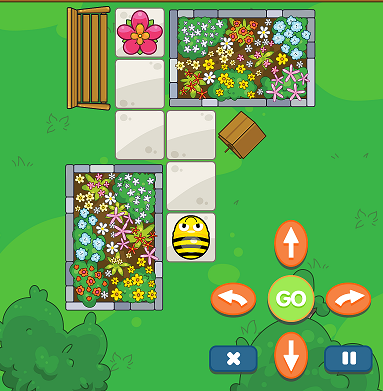
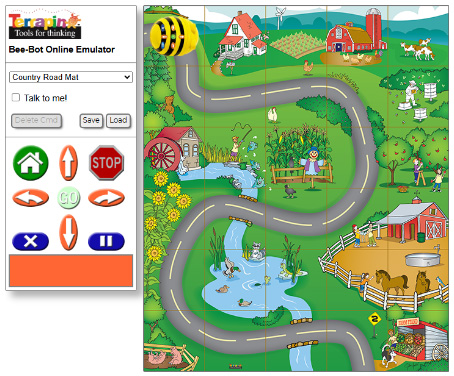
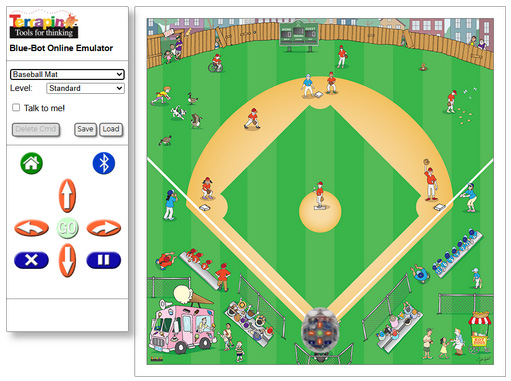
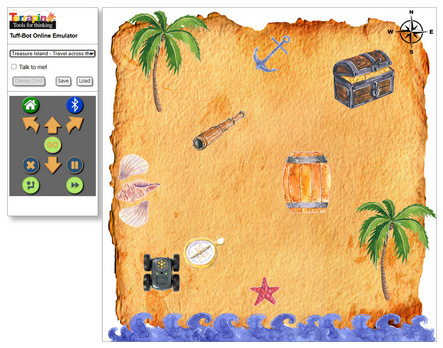
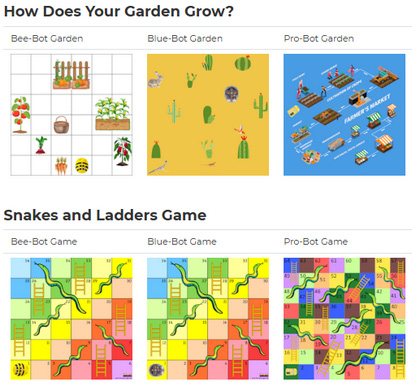
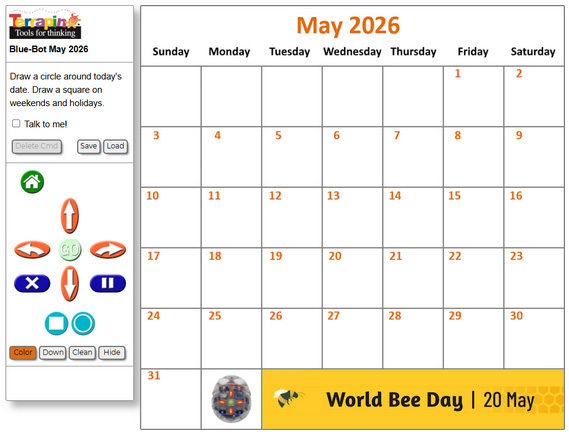
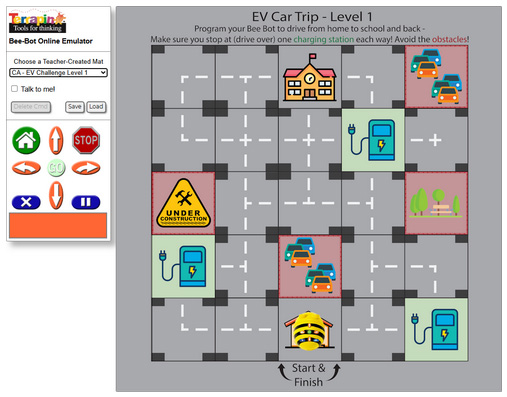
Terrapin's Online Emulators let you program a virtual robot on any device that supports a browser. Drop-down menus offer a wide variety of mats for the bots to traverse, including the Bee-Bot / Blue-Bot Learning Mats and Pro-Bot / InO-Bot Learning Mats available for purchase.
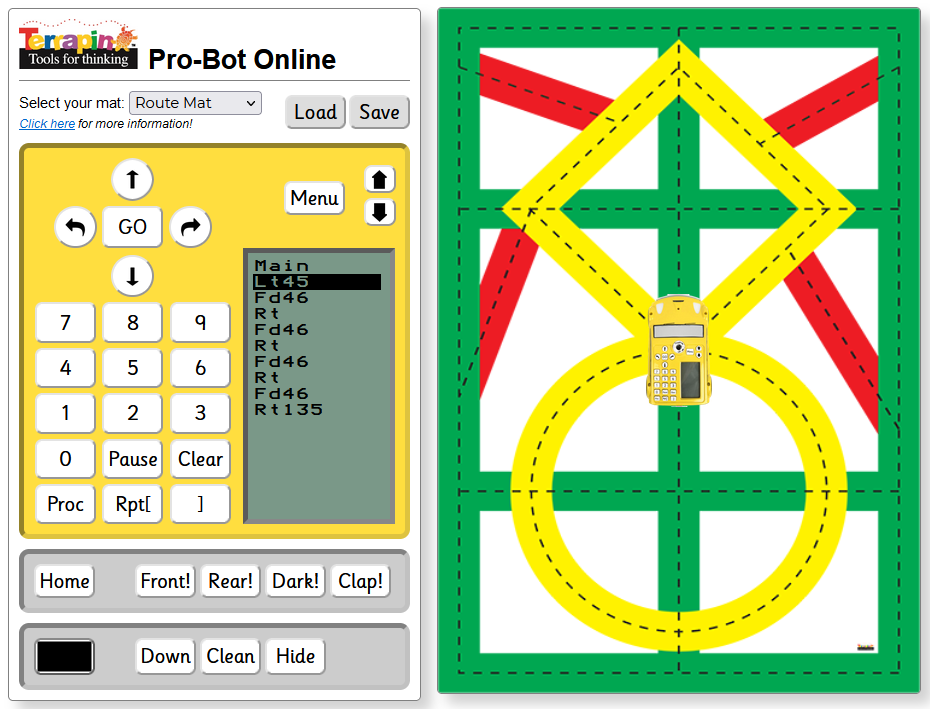
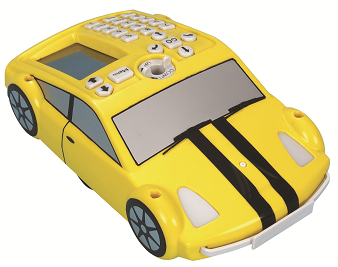
Control the on-screen Pro-Bot with the same buttons and screen you find on the physical Pro-Bot's back.
See also: Turtle Tuesdays - A weekly Logo (and often Pro-Bot) programming challenge!
* NOTE: Certain modern browsers allow websites to connect directly to nearby Bluetooth devices using the Web Bluetooth API. The Web Bluetooth API is natively supported in Google Chrome, Microsoft Edge, and other Chromium-based browsers. It is not currently supported in Safari (on iOS/iPadOS) or Firefox. Chromebooks and remote-controllable robots are a great match!
Interested in exclusive access to extraBee‑BotExplorerMats?JointheBee‑BotInsidernewsletterforoccasionalbonusmaterials,earlyupdates,andexclusiveoffers—onlyashortemailwhenwehavesomethingworthsharing.
Terrapin Logo
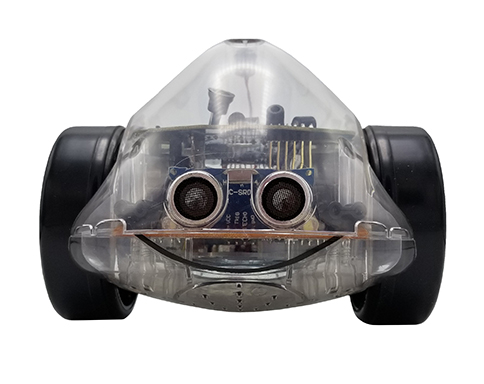
-------------------------------------------------------------------- Logo pairs well with InO-Bot for remote control
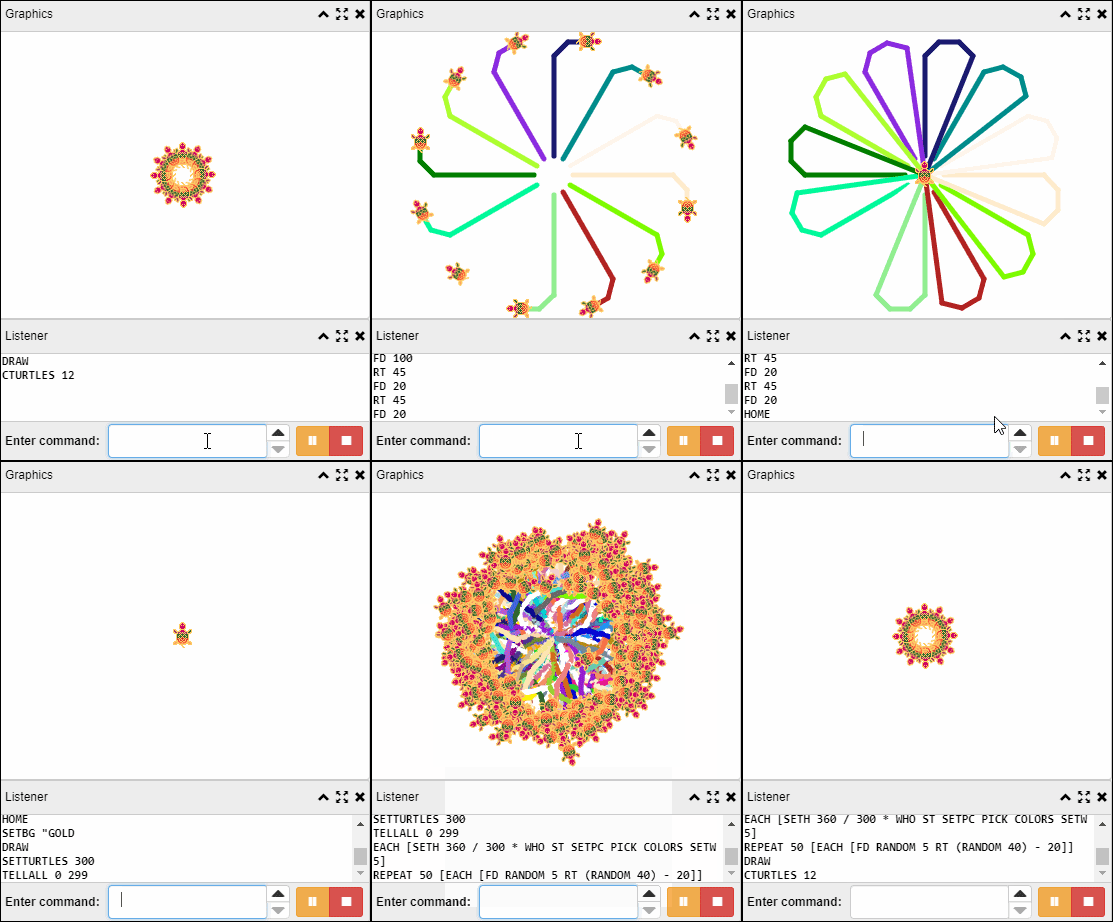
Terrapin Logo, the original programming environment for children, is free to try! Order the free trial version and automatically receive a log-in code via email at no charge. Navigate to Terrapin Logo and enter the login code to get started.
Alternatively, download and install Terrapin Logo on your Mac or Windows PC and use the same login code. Control the Logo turtle with simple commands like FORWARD, BACK, LEFT, and RIGHT, then explore the many other features Logo offers.
Students who have experience with Terrapin robots can easily move to creating drawings with the on-screen Logo turtle and then expand and develop their skills by mastering Logo's many other capabilities.
TTS Group Ltd(UK)manufacturestherobotswesupplyanddevelopedthetabletappslistedbelow.Theseappsareprovidedasacourtesy—TTSGroupissolelyresponsiblefortheirdevelopmentandsupport.Wedonotcontrolappavailabilityorfunctionality;pleasecontactTTSGroupdirectlyforanytechnicalissues.
The Bee-Bot App makes use of Bee-Bot’s key functionality and enables children to improve their skills in directional language, programming sequences of forwards, backwards, left and right 90 degree turns.
The app is available in the Apple App Store and Google Play Store and may be found by searching for Bee-Bot.
Please note: The Bee-Bot app from TTS is compatible with any Android device with version 5.1 or higher.
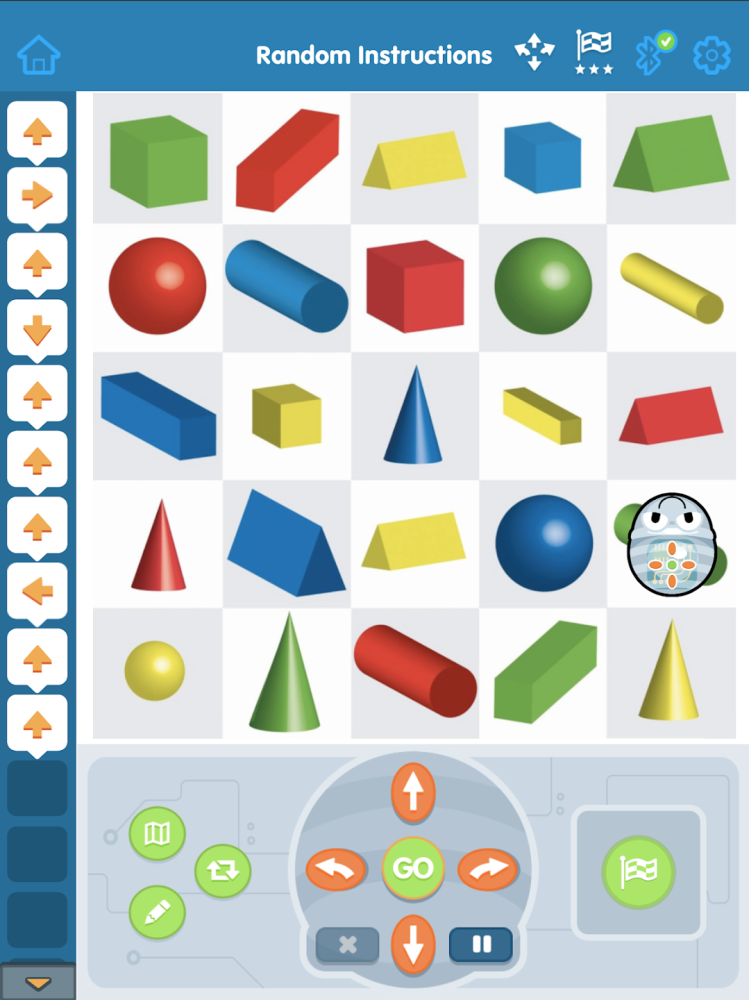
Blue-Bot is one of the many loved members of the TTS Floor Robot family. The Blue-Bot app enables you to write an algorithm, send it and then Blue-Bot will follow your instructions. There are numerous features, which make writing algorithms both fun and educational.
The app is available in the Apple App Store and Google Play Store and may be found by searching for Blue-Bot.
Please note: The Blue-Bot app from TTS is compatible with any Android device with version 7.0 or higher.
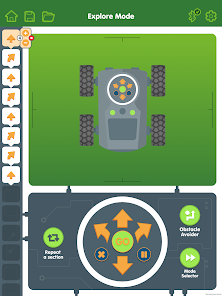
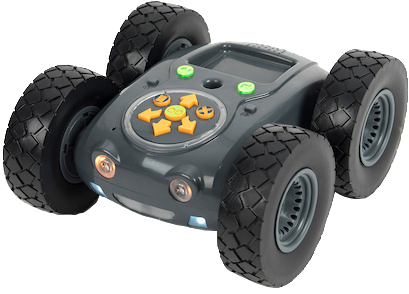
Download the app to control Rugged Robot, the latest addition to the TTS floor robot family. The app enables you to write an algorithm, send it and then Rugged Robot will follow your instructions. There are numerous features, which make writing algorithms both fun and educational.
The app is available in the Apple App Store and Google Play Store and may be found by searching for Rugged Robot.
Please note: The Rugged Robot app from TTS is compatible with any Android device with version 5.0 (Lollipop) or higher.



 --------------------------------------------------------------------